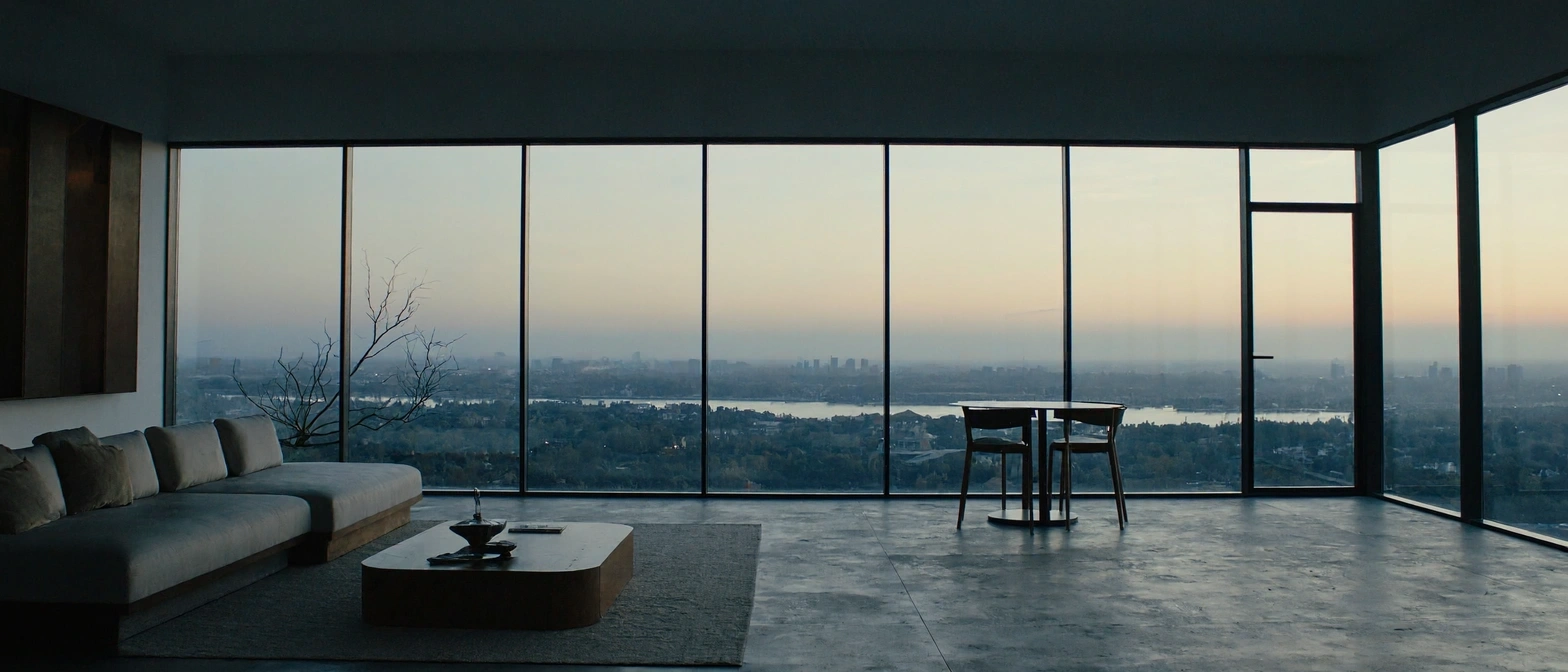
MiniMax H3 Image
MiniMax's open-weight image model — native 4K (16MP) generation and multi-reference editing in one checkpoint, distilled to just 6 sampling steps for speed.
curl https://api.venice.ai/api/v1/image/generate \
  -H "Authorization: Bearer $VENICE_API_KEY" \
  -H "Content-Type: application/json" \
  -d '{
    "model": "minimax-h3-image",
    "prompt": "A serene mountain lake at dawn, photorealistic"
}' --output image.pngOverview
What is MiniMax H3 Image
MiniMax H3 Image is an open-weight image generation and editing model from MiniMax, released November 10, 2026. Built on a 33-billion-parameter diffusion transformer, it generates native 4K (16-megapixel) images at any aspect ratio without an upscaler and edits or composes scenes from up to 16 reference images.
Using it anonymously on Venice
On Venice, MiniMax H3 Image runs under the anonymized privacy tier — your prompts are never stored, profiled, or used for training, and nothing ties a generation back to a personal history. Because the weights are open, you get a frontier-quality image model you could also self-host, served here with per-image pricing from $0.04 instead of a subscription. No account trail, no retention, just the model.
Specifications
Datasheet
- Maker
- MiniMax
- Open weights
- Yes
- License
- MiniMax Community License
- Resolutions
- 1K, 2K, 4K
- Modes
- Text-to-image and image editing in one unified checkpoint
- Prompt limit
- 10,000 chars
- Input images
- 1–16 reference images for editing and composition
- Released
- November 10, 2026
- Architecture
- Diffusion transformer (DiT) on the H3 architecture without audio layers, using the MiniMax-H3 text encoder (Qwen3-VL-based); distilled to 6 sampling steps with no classifier-free guidance
- Parameters
- ~33.1 billion (50 layers)
- Native output
- ~16 megapixels without an upscaler, from 4096×4096 (1:1) to 6272×2688 (21:9)
- Aspect ratios
- 1:1, 5:4, 4:3, 3:2, 16:9, 21:9, 4:5, 3:4, 2:3, 9:16, 9:21
- Privacy on Venice
- Anonymized — prompts not stored
- Available on Venice since
- Nov 2026
Assessment
Strengths and limitations
- Native 4K output at roughly 16 megapixels at every supported aspect ratio, generated directly with no upscaler — about twice the pixel count of many closed rivals at their largest size.
- Speed by design: the checkpoint is distilled to 6 sampling steps with no classifier-free guidance, and MiniMax claims a full 4K image in under 10 seconds.
- Generation and editing share one checkpoint, so you can build a scene from up to 16 reference images or refine an existing image without switching models.
- Open weights under the MiniMax Community License: inspect, fine-tune, or self-host where the license permits.
- Photorealistic detail with strong prompt adherence: third-party testing found it follows camera directions closely and produces natural skin and material texture rather than the smoothed AI look.
- The community license excludes self-hosting in the EU, UK, US, and South Korea — relevant if you plan to run the open weights yourself; hosted access on Venice sidesteps that friction.
- Third-party testing found it weaker than GPT Image-class rivals at text with diacritics and at dense layouts and infographics.
- No transparent backgrounds, no masked (inpainting) edits, and no negative prompt support.
- Launched November 10, 2026: independent benchmark coverage is still thin, so most quality claims rest on MiniMax's own demos plus early hands-on tests.
Use cases
What it is good for
- 01Product photography and packaging shots that need print-resolution 4K output.
- 02Scene building from many references — drop in up to 16 product, character, or location images and compose them into one image.
- 03Editorial covers, posters, and illustrations where prompt adherence to camera and lighting direction matters.
- 04Photoreal portraits and lifestyle imagery with natural texture instead of the over-smoothed AI look.
- 05Self-hosted or fine-tuned pipelines, since the weights are openly downloadable where the license allows.
Prompting
Getting better results
Quote any text you want rendered verbatim — the model is exact when words are in quotes, less reliable with unquoted or accented text.
Iterate at 1K ($0.04) and only re-render the winning prompt at 4K ($0.10) — the composition carries over.
Pick an explicit aspect ratio for the job: 21:9 or 9:21 for cinematic banners, 4:5 or 9:16 for social, 1:1 for product shots.
For editing, supply references in order of importance — the model weighs all of them, up to 16, when composing the scene.
Describe camera and light explicitly (lens, angle, window light vs. studio) — it follows photographic direction closely rather than reframing on its own.
Use the full 10,000-character prompt budget for complex scenes: characters, setting, atmosphere, and composition can all be spelled out in one pass.
Samples
Sample outputs
Generated on Venice with our standard prompt suite — the same prompts we run through every model of this type, so you can judge it like-for-like.
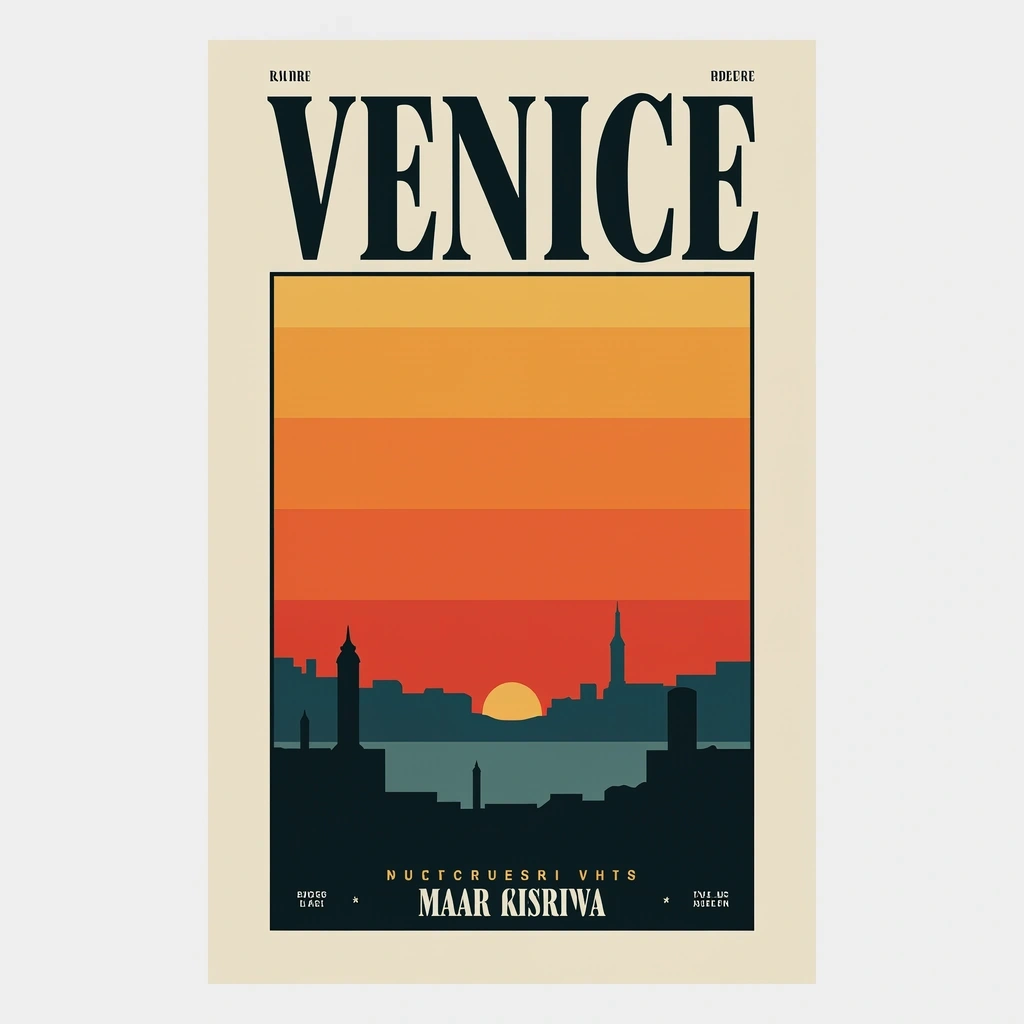
A retro travel poster with the bold headline "VENICE" in large condensed serif type, sunset color palette, clean layout

Photorealistic close-up portrait of a weathered fisherman at golden hour, 85mm lens, shallow depth of field, natural skin texture
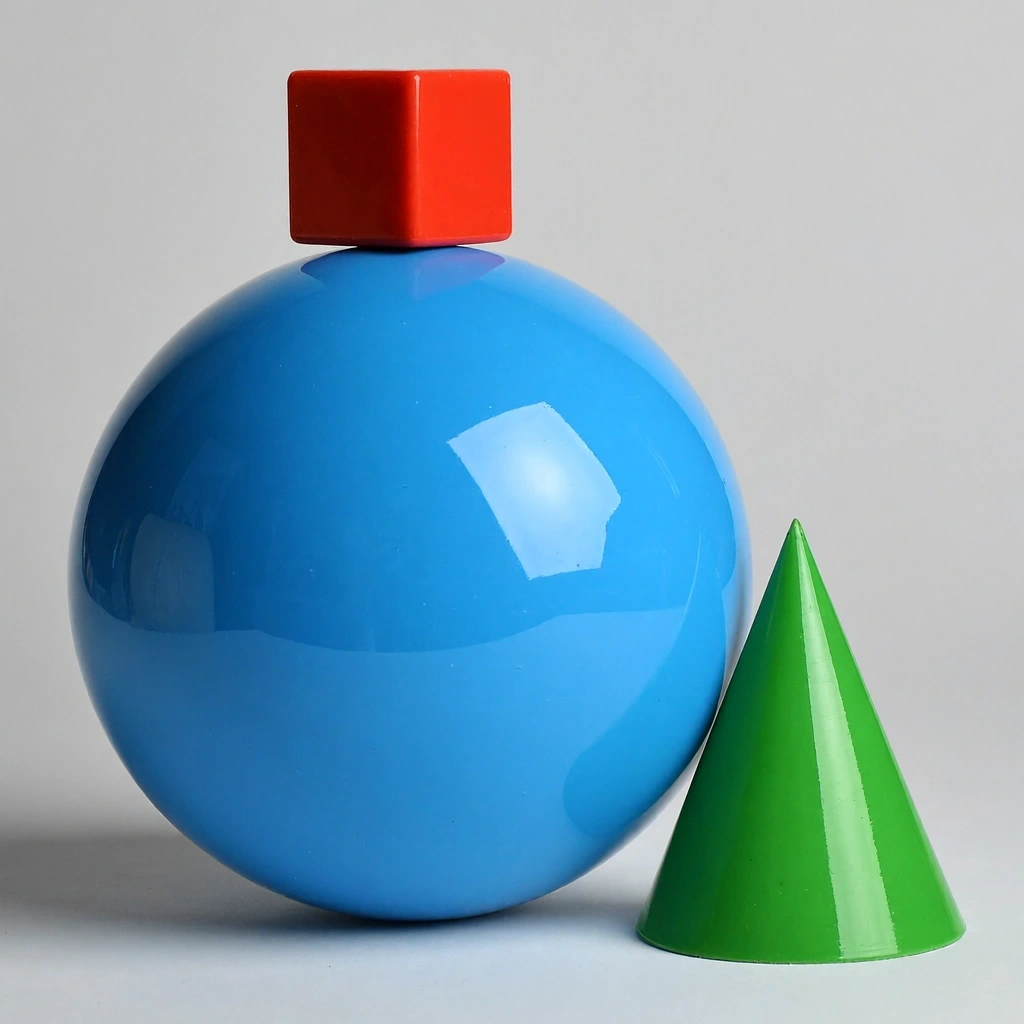
A small red cube balanced on top of a large glossy blue sphere, with a green cone to the right, plain light-grey studio background
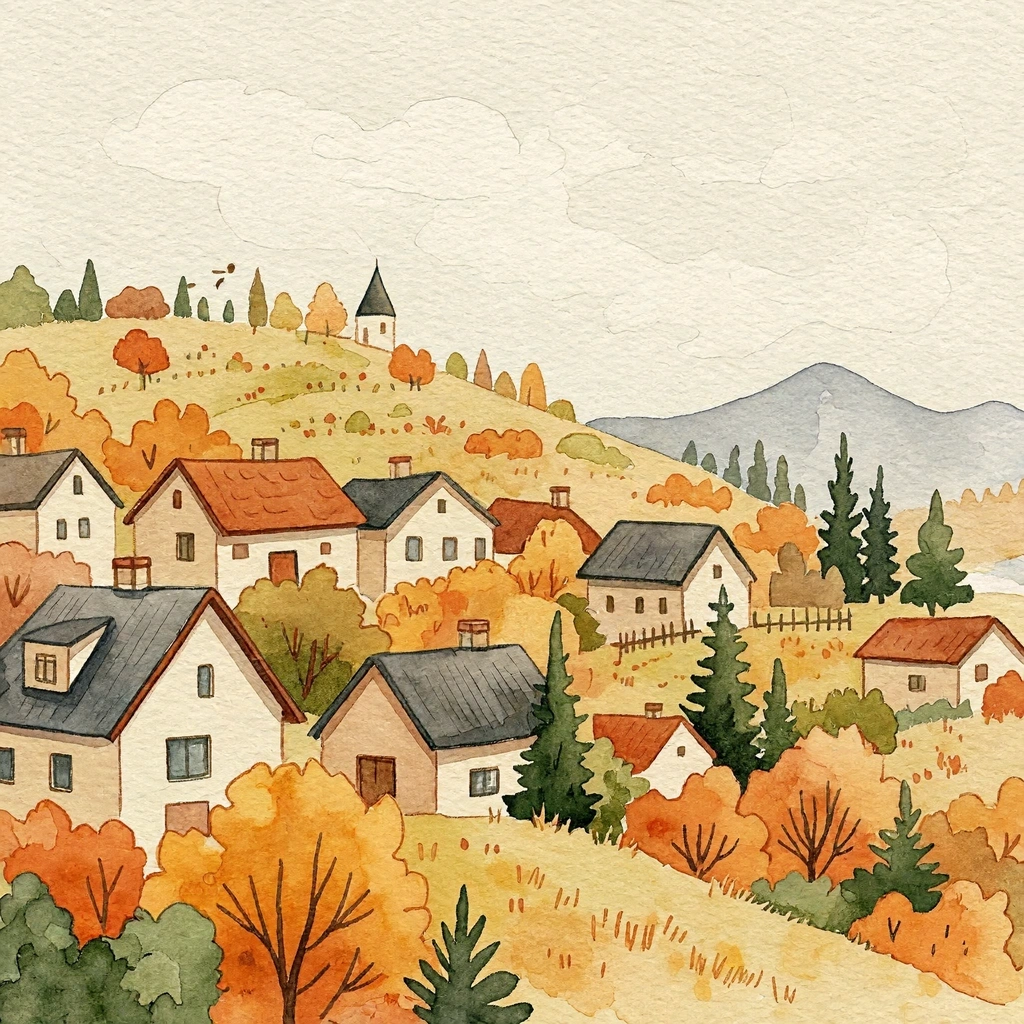
Cozy watercolor illustration of a hillside village in autumn, warm tones, soft paper texture
Alternatives
How it compares
| Model | Best for | Max resolution | Open weights | Price (Venice) |
|---|---|---|---|---|
| MiniMax H3 Image | Open-weight 4K speed & multi-reference editing | 4K | Yes | from $0.04 / image |
| Flux 3 | Styled photoreal detail | 4K | No | from $0.12 / image |
| Krea 2 Turbo | Fast open-weight drafts | 2K | Yes | from $0.04 / image |
| GPT Image 2.5 Flare | In-image text & layouts | 4K | No | from $0.07 / image |
| Chroma | Cheapest open-weights generation | — | Yes | $0.01 / image |
Pick MiniMax H3 Image when you want open weights and native 4K output at mid-tier pricing — it is the clear choice for multi-reference composites and photoreal scenes built to your exact camera direction. For text-heavy layouts, GPT Image 2.5 Flare remains the better tool.
API
Call it from your code
Venice exposes this model through the REST API. Queue a generation with the model id.
curl https://api.venice.ai/api/v1/image/generate \
  -H "Authorization: Bearer $VENICE_API_KEY" \
  -H "Content-Type: application/json" \
  -d '{
    "model": "minimax-h3-image",
    "prompt": "A serene mountain lake at dawn, photorealistic"
  }' --output image.png
Pricing
What it costs on Venice
Pay per image on Venice — price scales with resolution, from $0.04.
New Venice accounts include a free daily allowance and 500 welcome credits — no credit card required.
FAQ
Frequently asked questions
MiniMax H3 Image is an open-weight image generation and editing model released by MiniMax on November 10, 2026. It combines text-to-image generation and reference-based editing in a single 33-billion-parameter diffusion transformer, outputs roughly 16 megapixels natively at any aspect ratio, and accepts up to 16 reference images for editing.
On Venice you pay per image: $0.04 at 1K and 2K, and $0.10 at 4K. There is no subscription required — heavier use is simply billed per generation in credits.
You can try it on Venice using the free credits new accounts receive, with no credit card required. Beyond that, generations are billed per image starting at $0.04.
Yes — MiniMax H3 Image has open weights, published on Hugging Face under the MiniMax Community License. Note that the license excludes self-hosting in the EU, UK, US, and South Korea; running it through Venice's hosted API is unaffected by those territorial restrictions.
On Venice it offers 1K, 2K, and 4K output tiers across eleven aspect ratios from 1:1 to 21:9 (and 9:21). At full 4K it produces about 16 megapixels — up to 4096×4096 — generated directly, with no upscaler in the pipeline.
Up to 16. Image editing and multi-image composition share the same checkpoint as text-to-image generation, so you can supply a set of product, character, or location references and have the model build them into one coherent scene.
Both generate at 4K, but MiniMax H3 Image is open-weight, roughly a third of the price on Venice ($0.04 vs $0.12 to start), and accepts up to 16 reference images for editing. Flux 3 is closed and tends to win on styled, high-polish photoreal aesthetics. Choose H3 Image for open weights, references, and cost; choose Flux 3 for a specific Flux look.
Yes, when the exact wording is placed in quotes in the prompt — early testing found quoted text rendered accurately. It is weaker than GPT Image-class models on text with diacritics and on dense infographic layouts, so for text-heavy design work a GPT Image variant is the safer pick.
Venice runs MiniMax H3 Image under its anonymized privacy tier: prompts are not stored, profiled, or used for training, and generations are not tied to a personal history. You can use it in the Venice app or through the Venice API without building a retained generation record.
Use MiniMax H3 Image anonymously
Venice does not store your prompts. Chat history stays in your browser.